Save any order once — reorder, share, and run group meals with a single QR.

Pick a store, choose your items, and dial in every modifier — extra shot, no onions, sauce on the side.
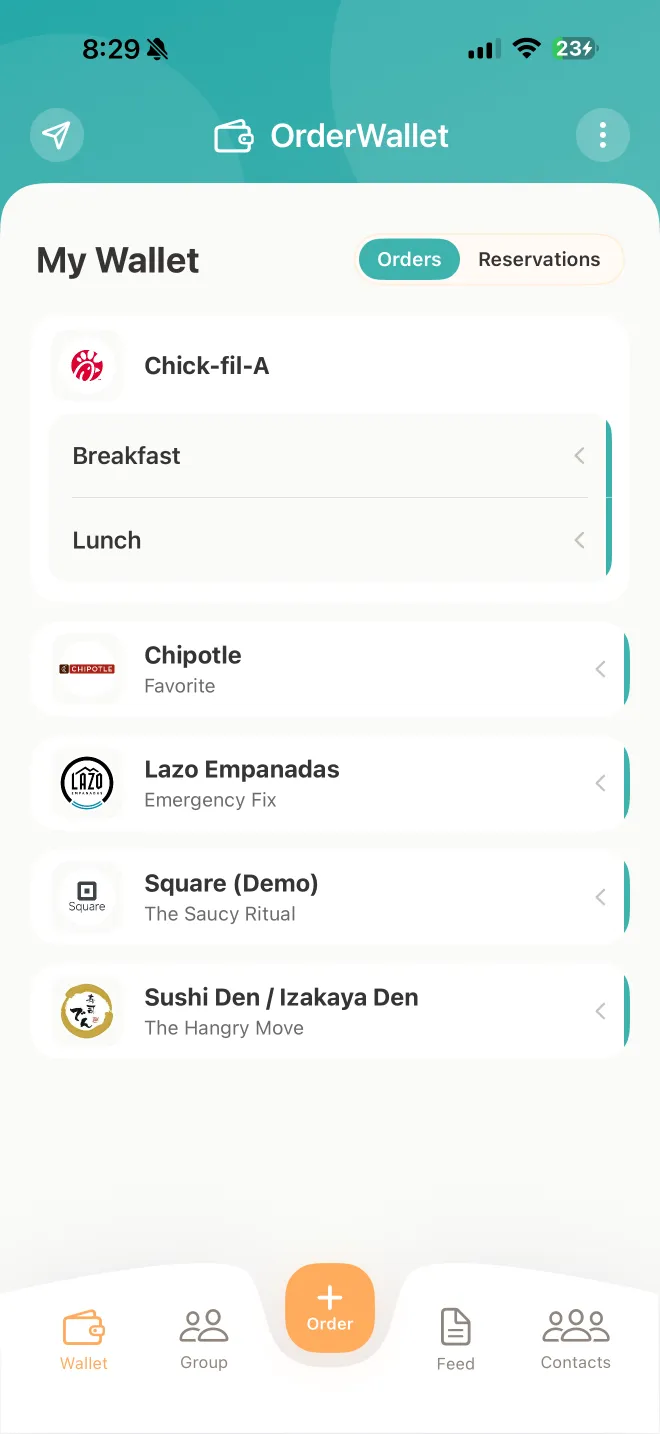
The whole order — items, customizations, totals — lives in your wallet, grouped by store.
Hand the counter a QR, text the order to a friend, or pull it into a group meal. No repeating yourself.
Every order you've made, saved. Reorder in one tap, share via Messages, or pull into a group.
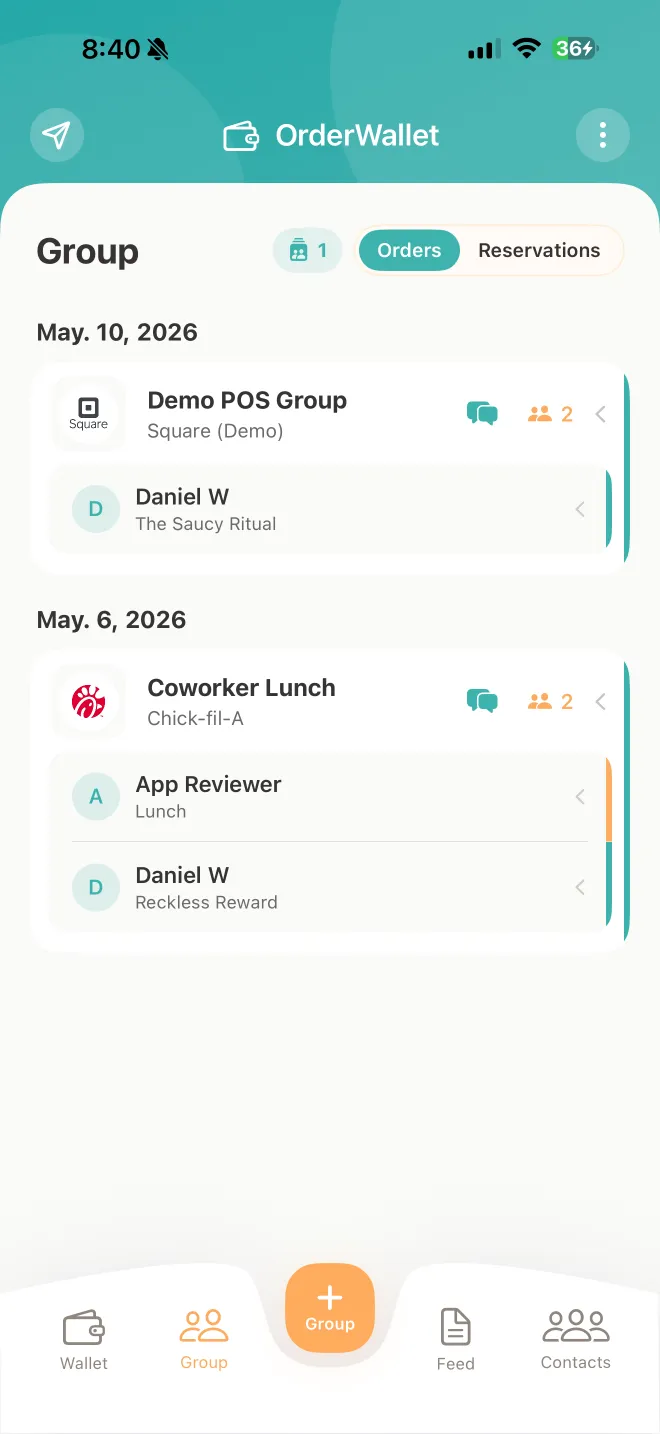
Everyone builds their own order. One person picks up. No group-chat chaos.
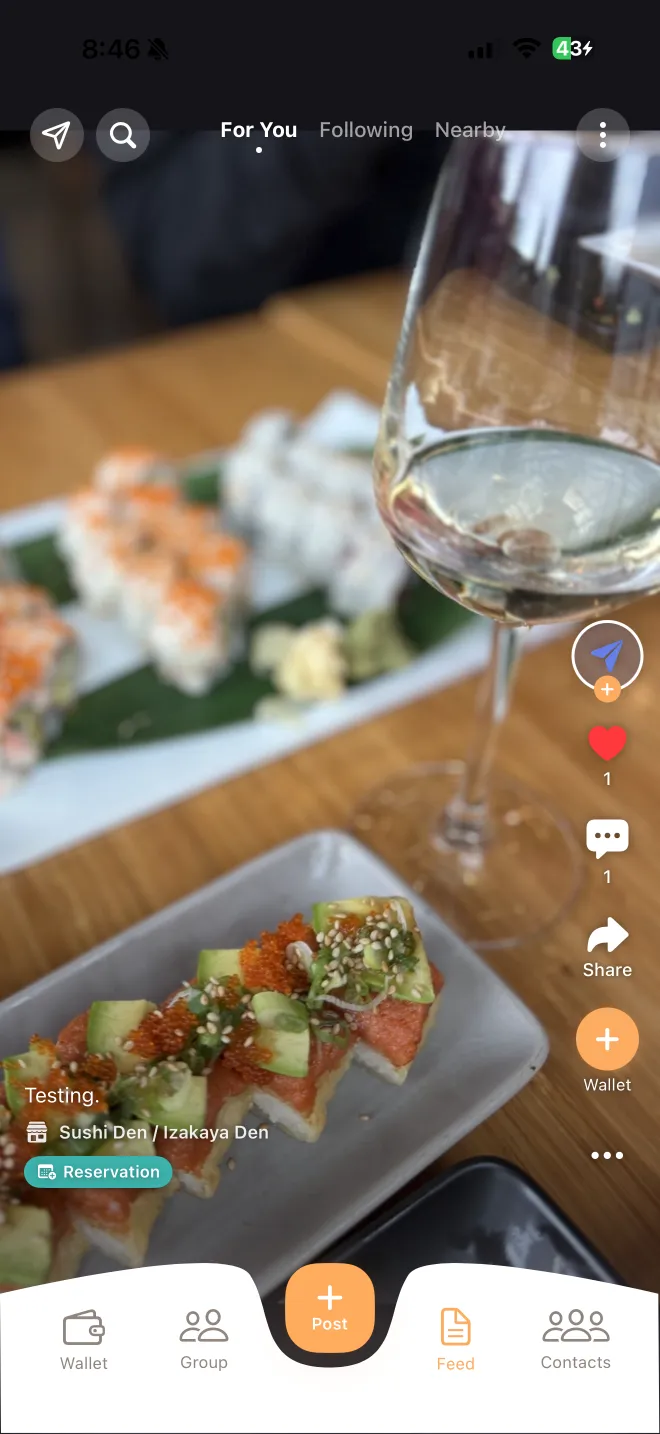
See what people are ordering. Save the order, the item, or the store in one tap.
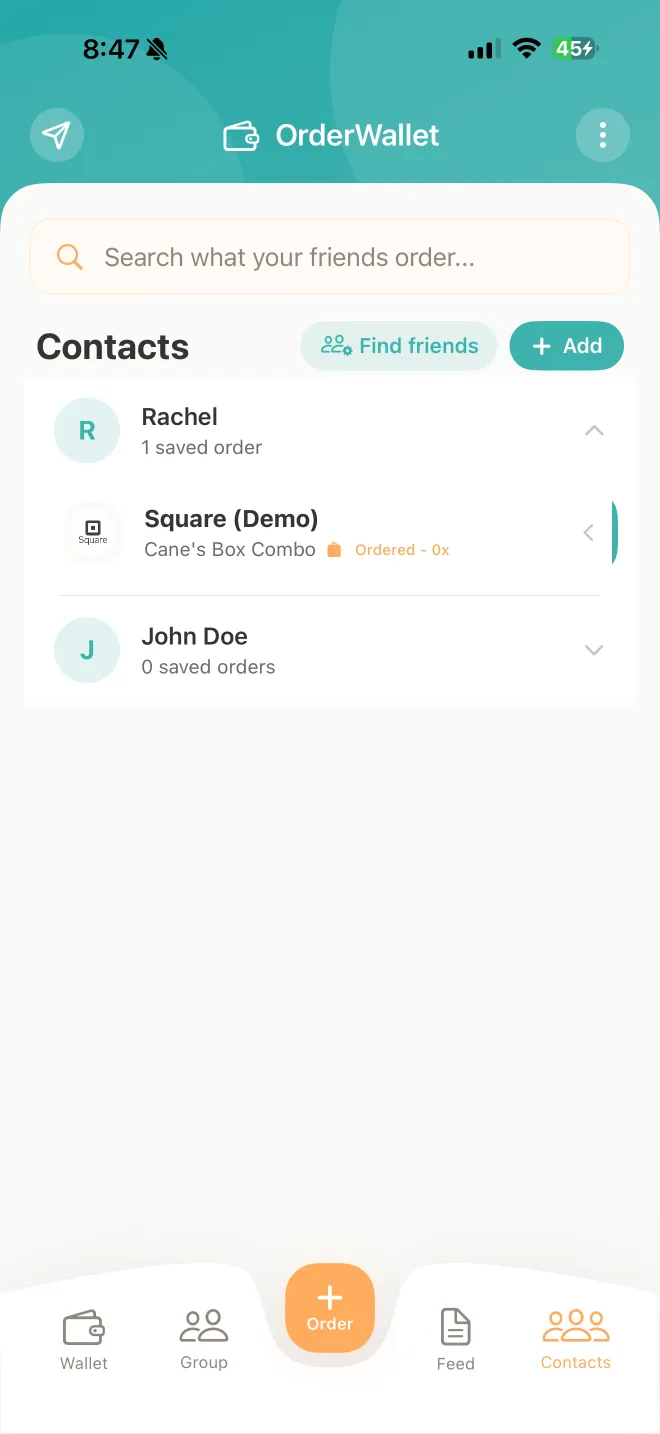
Your friends' usual orders, one tap from your wallet.
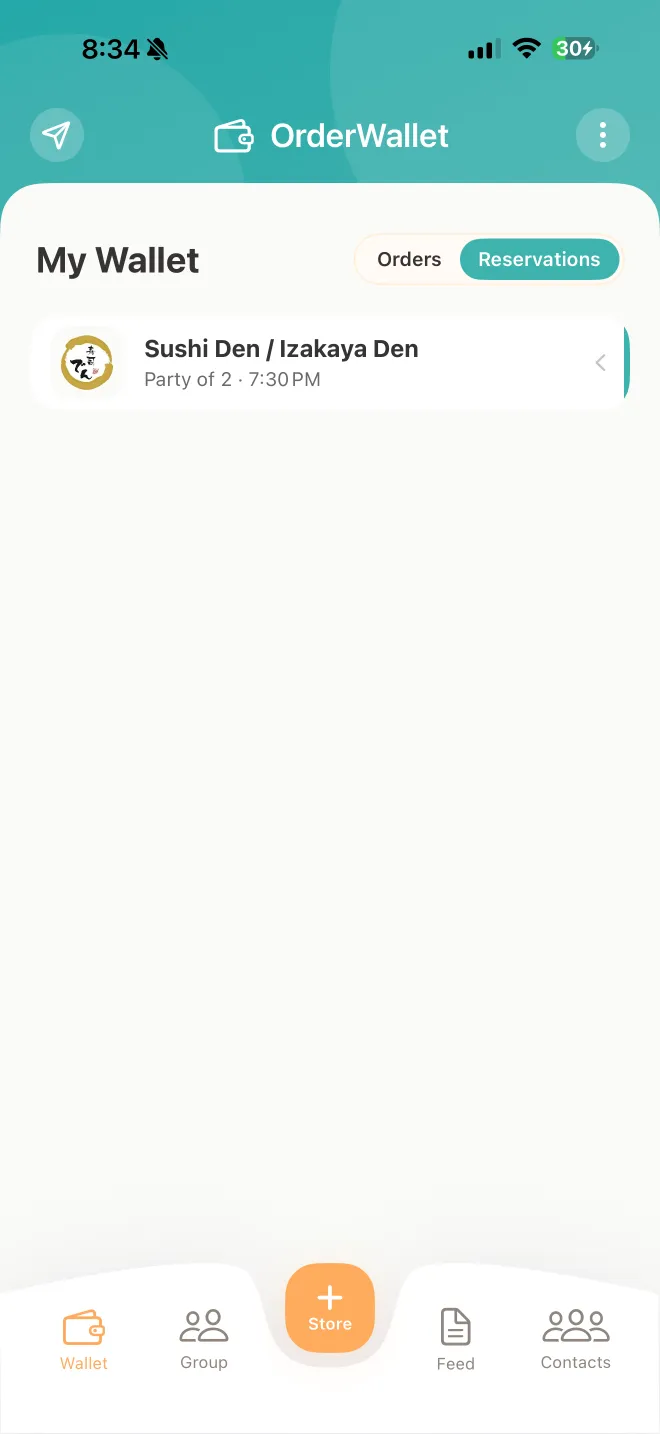
Save the places you book. Reserve a table in one tap — solo or with a group.
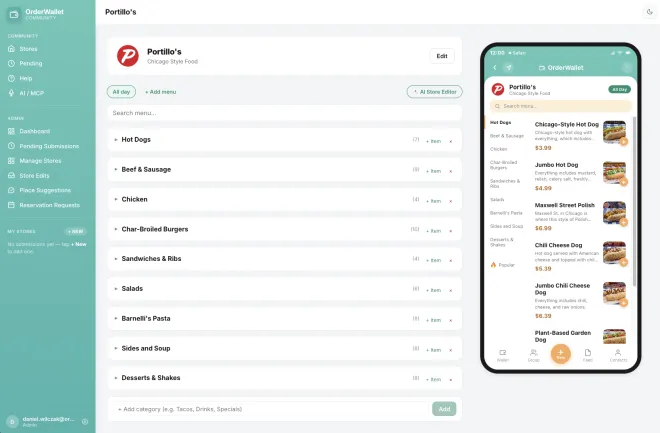
The open catalog of every place that takes orders. Anyone can add a store.
Two of the everyday headaches OrderWallet removes — see all of them →


Any restaurant in the community catalog — and anyone can add a store, so if your spot is missing you can create it in about a minute. Your saved order is a perfect hand-off anywhere: show the QR at the counter, or text it straight to the store.
Group members join from a link or QR, build their own order in the app, and see everyone's items in one place. Sharing a single order over iMessage works even if the other person doesn't have the app yet — they'll see the full order on the web.
OrderWallet is free — no fees, no markups, no commissions.
No. OrderWallet organizes your order — you pay the restaurant directly, exactly the way you always do. No card numbers, no fees, nothing in between.
Free on iPhone. Set up your first order in two minutes.
 Scan with your iPhone camera